

POS touch monitors are the most important parts of all store payment systems. Many shop owners and bulk buyers only care about the price and look of the screens. They ignore key inner specs, which causes many problems after short use, such as slow touch response, black screen and frequent damage. To help you buy the right commercial touch monitors, this article shares easy and core buying standards for your business.
1. Choose the right touch type to fit your store environment
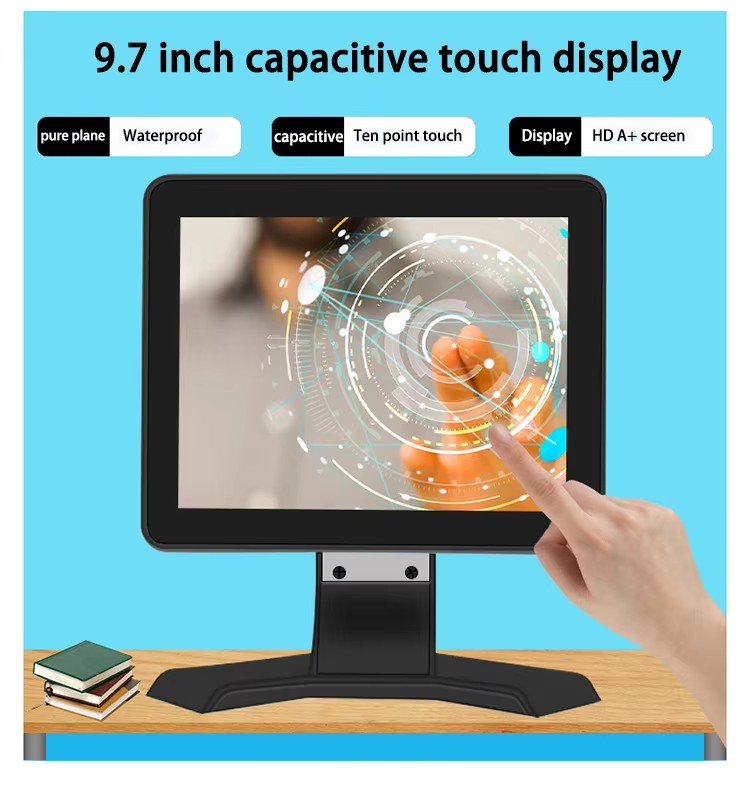
There are two common touch types for POS monitors: capacitive touch and resistive touch, and each fits different usage scenes. Capacitive touch screens support multi-touch and work very fast and smoothly. They are perfect for clean places like coffee shops, clothing stores and ordinary retail shops. But they cannot work well if you wear gloves to operate. Resistive touch screens are more stable in tough environments. They support glove touching and can resist dust and oil stains. This type is the best choice for supermarkets, food markets and fast-food restaurants with oily and dusty surroundings. Picking the correct touch style can greatly reduce device faults.
2. Check screen brightness to avoid unclear display
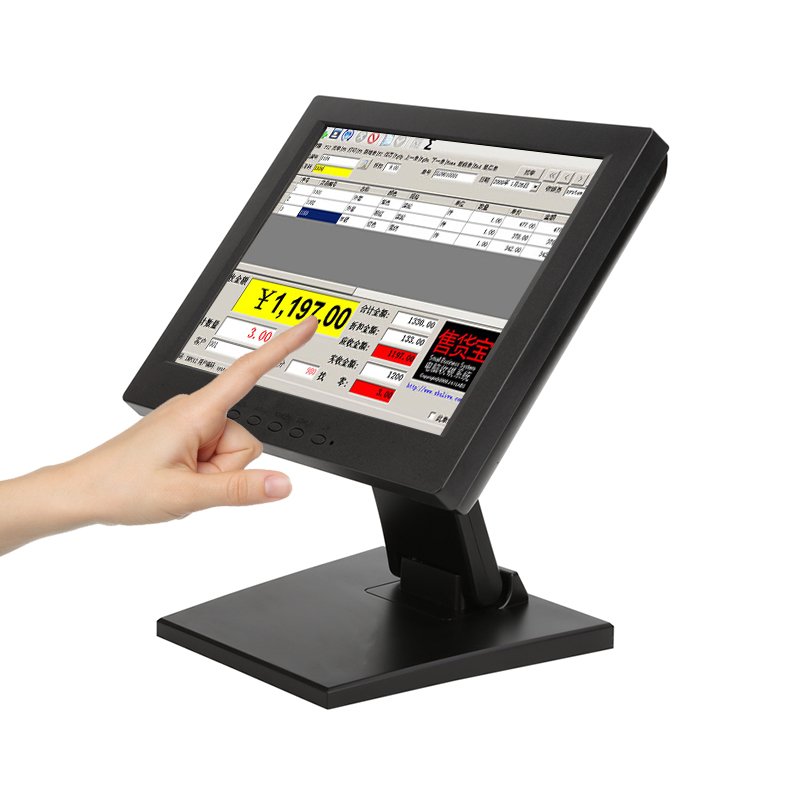
Ordinary home monitors are not made for long-hour commercial work, so you cannot use them for POS systems. Standard indoor POS touch monitors need a brightness of 300 to 500 nits. This brightness makes the screen clear enough under normal store lights and supports 12+ hours of daily continuous work. If your POS device is placed near big windows, glass doors or used for outdoor self-checkout machines, you need high-brightness screens above 1000 nits. Strong sunlight will make low-brightness screens hard to see, which slows down checkout speed and affects customer experience.
| Resolution | 1920×1080 |
| Display Brightness | 300 cd/m² (Typ.) |
| viewing angle | 85/85/85/85 (Typ.)(CR≥10) |
| Support colors | 262K , 45% NTSC |
| Refresh rate | 60Hz |
| Contrast ratio | 1200:1 |
| Screen ratio | 16:9 |
| Response time | 5ms |
| Panel Type | IPS |
| Operation temperature | 0 ~ 50 °C |
| Storage temperature | -20 ~ 60 °C |
3. Focus on shell material and protection level for long-term use
The shell and front panel quality decides the service life of POS touch monitors. Good commercial monitors use aluminum alloy frames. This material has great heat dissipation and is not easy to deform or break after long working hours. Most qualified products have an IP65 protection level on the front screen. It can resist daily water splashes, drink spills, oil stains and floating dust in stores. Low-cost monitors usually use plastic frames. They heat up easily, turn yellow quickly and are easy to damage, leading to frequent replacement and extra costs for your business.
4. Confirm interface compatibility to match your POS system
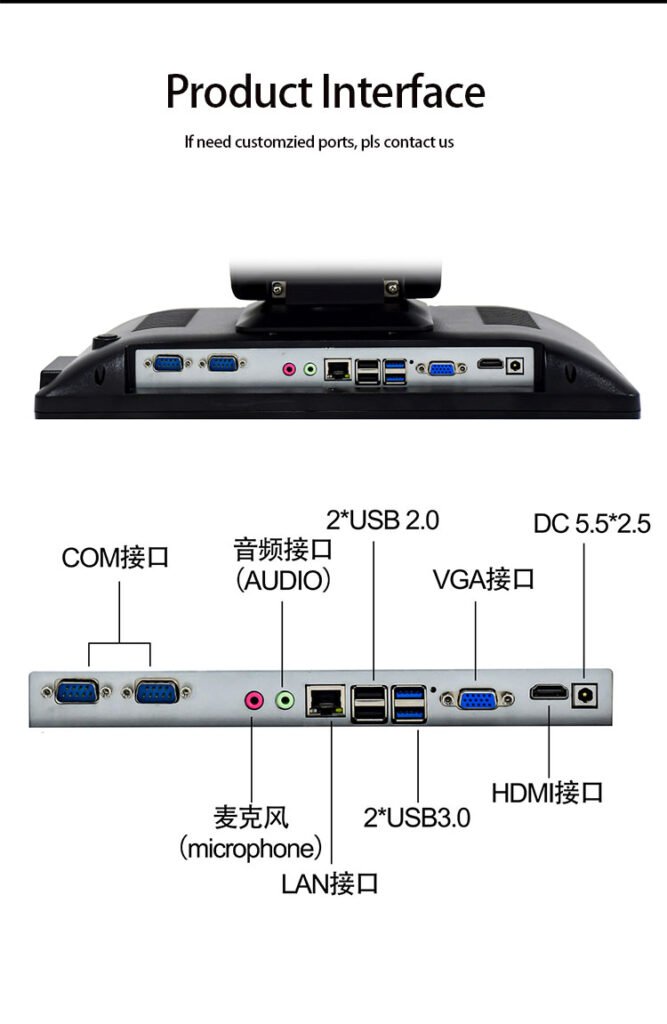
Before placing an order, you must check the monitor’s interfaces to make sure it matches your existing POS host and devices. Standard commercial POS touch monitors are equipped with common and practical interfaces, including HDMI, VGA and dedicated USB touch ports. These stable interfaces ensure smooth signal transmission, no touch delay and no screen drift during checkout. If the interfaces do not match, the touch screen cannot connect with your POS system normally. This will cause installation failure and waste your time and money on return and replacement.
| Product interface | DC-IN interface | 1 DC5.5*2.5 |
| HDMI interface | 1(HDMI 1.4) | |
| VGAI interface | 1 | |
| USB 3.0 interface | 2 | |
| RJ45 LAN interface | 2 | |
| Audio output interface | 1 | |
| MIC-IN interface | 1 | |
| COM interface | 1 | |
| USB 2.0 interface | 2 |
5. Verify working stability and long-hour operation ability
Store POS systems need to run almost every day for a long time, so continuous working performance is very important. High-quality industrial touch monitors can support 24/7 non-stop operation, with a service life of over 50,000 hours. They keep stable touch sensitivity and clear display after months of continuous use. Cheap low-end screens will have many problems after short use, such as screen yellowing, slow touch response and system stuttering. These small faults will greatly lower your store’s checkout efficiency, especially during busy peak hours.
Final Conclusion
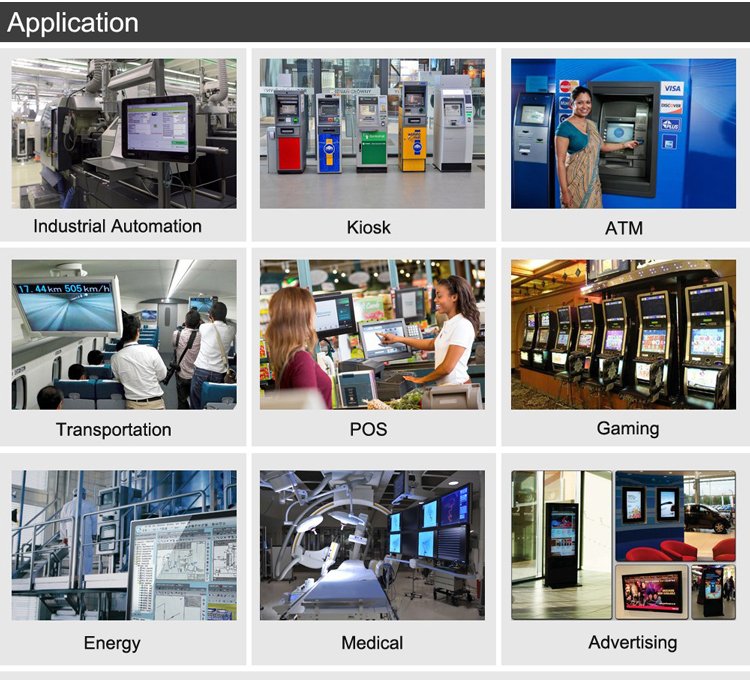
Buying suitable POS touch monitors is not about chasing the lowest price, but about matching the right specs with your business scenes. Touch type, screen brightness, shell quality, interface compatibility and operation stability are the five key points you must check carefully. Our team provides various sizes of standard and customized POS touch monitors, suitable for retail, catering, supermarket and self-service kiosk use. We support global bulk wholesale and private customization. Feel free to contact us to get detailed product parameters and professional buying advice.