
Capacitive vs Resistive Touch: Difference & Suitable Scenarios
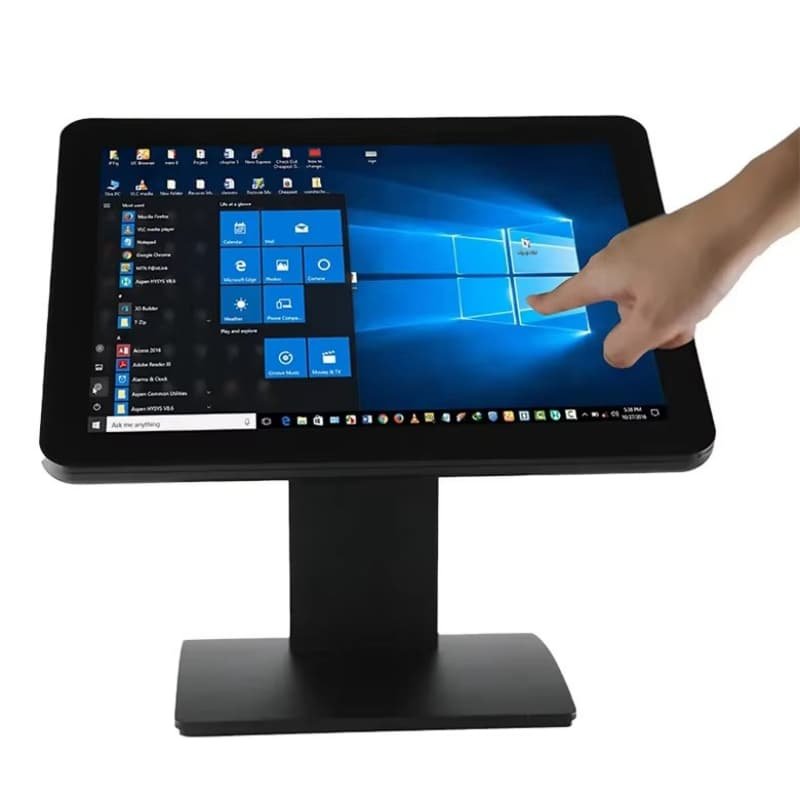
When you buy a Touch POS , you need to choose the right touch monitor. Capacitive and resistive are the two most common types. They look similar, but work differently and fit different store scenarios. This article will help you pick the best one for your POS machine.
How They Work (Easy to Understand)
Resistive touch monitors have two thin layers. When you press the screen, the layers touch each other, and the monitor gets your signal. You can use a finger, stylus, or even a pen to operate it. Capacitive touch monitors use the electricity in your finger. Only your finger (or a special capacitive stylus) can work, because it needs the small electric current from your body.
Key Differences for POS Use
First, sensitivity: Capacitive screens are more sensitive. You only need to tap lightly, which is good for fast checkout in busy shops. Resistive screens need a firm press, so they are slower for quick use. Second, durability: Resistive screens are easier to scratch, but they are not affected by water or dust as much. Capacitive screens are scratch-resistant, but they don’t work well if they are wet or covered in dust. Third, multi-touch: Capacitive screens support multi-touch (like zooming), but resistive screens don’t—this is not very important for most POS machines, but useful for some. Fourth, cost: Resistive touch monitors are cheaper
Suitable Scenarios for POS Machines
Resistive touch monitors are good for tough environments. If your store is a wet market, a factory canteen, or a garage shop where the screen may get dirty, wet, or hit by hard things, resistive is better. It also works well if your cashiers like to use a stylus to sign receipts on the POS. Capacitive touch monitors are perfect for most retail stores, supermarkets, and restaurants. These places are clean, and cashiers need to tap quickly to finish payments. The light tap makes checkout faster, and the scratch-resistant screen lasts longer in daily use.
Which One to Choose for Your Smart Dual Screen POS?
If you want a cheap, durable option for a messy environment, pick resistive. If you need fast, smooth operation in a clean store, capacitive is the best choice. Our Smart Dual Screen POS supports both types, so you can choose based on your store’s needs. Both are compatible with Windows and Android systems, and work well with all POS functions like scanning QR codes and swiping cards.
In short, knowing the difference helps you get the right touch monitor for your POS. It makes your checkout work easier and saves your money in the long run. Contact us to get more details about our touch monitor options for POS machines.
| Item | Capacitive Touch POS Monitor | Resistive Touch POS Monitor |
| Touch Operation Way | Tap lightly with bare finger; support multi-touch | Press hard with finger/gloves/stylus/pen; single touch only |
| Screen Smoothness | Super smooth, fast response for quick checkout | Stiff feel, needs obvious pressing force |
| Anti-scratch Performance | Hard surface, not easy to scratch | Soft film layer, easy to leave scratches |
| Performance In Wet/Dirty Environment | Fail to work when water/oil covers screen | Still usable with water, oil, dust on surface |
| Suitable Store Types | Supermarket, clothing shop, restaurant, clean retail stores | Wet market, food stall, factory canteen, auto repair shop |
| Service Life | Longer daily service life for frequent tapping | Shorter lifespan under heavy daily tapping |
| Cost Price | Higher unit price | Lower cost, budget-friendly |
| Extra Support | Support gesture zoom for checking product pictures | Support signature with plastic stylus on POS |