

How to Maintain Your POS Touch Screen to Extend Service Life
POS touch screens work long hours every day in shops, cafes, supermarkets and self-checkout kiosks. Grease, dust, spills and rough touches can shorten their working time quickly. Good daily maintenance reduces breakdowns, cuts repair costs and helps your POS hardware serve you for many years. This guide shares easy rules for your team to follow, learning how to maintain your pos touch screen is very important for you business.
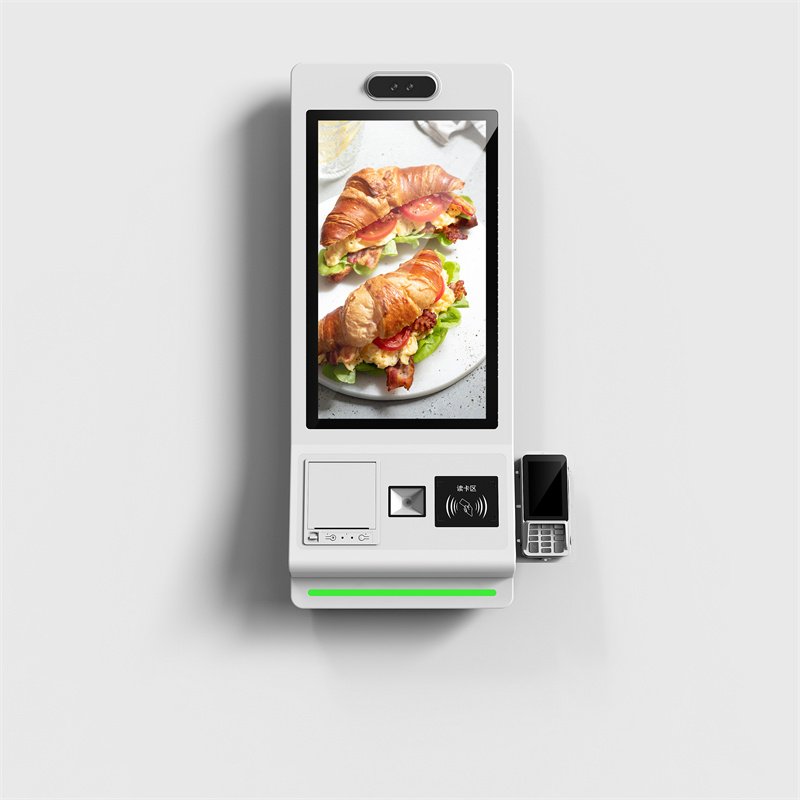
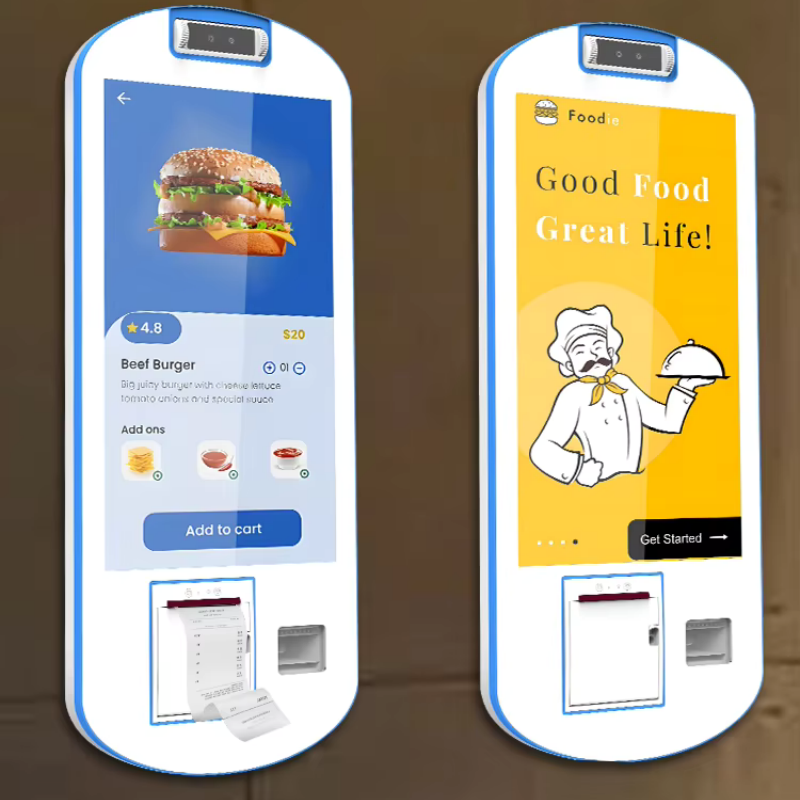
Use the right tools and safe steps to clean the POS touch screen regularly
Cleaning is the most important daily maintenance task. Many people damage touch panels because they use wrong cleaners or rough cloths. Always turn off the POS device and unplug the power before cleaning. Only use a soft microfiber cloth. Paper towels and rough rags leave tiny scratches on the glass surface. You can use 70% isopropyl alcohol or screen-safe cleaning liquid. Spray the liquid onto the cloth, never spray it directly on the screen. Liquid may flow into screen edges and damage internal circuits. Wipe gently to remove fingerprints, oil and dust. Let the screen air dry fully before you plug the power back in. For busy restaurants, do light cleaning every shift and deep cleaning once a week.
Keep the POS touch screen away from extreme heat, sunlight and high humidity
The working environment directly affects screen service life. Do not place POS touch monitors under direct sunlight. Strong UV light and high heat speed up screen aging and cause color fading. Avoid putting terminals near stoves, heaters or hot kitchen areas. High humidity is also risky. Too much moisture inside the screen can create short circuits. If your shop has a humid environment, keep good air flow around the POS machine. Leave space around cooling vents. Do not stack boxes or goods next to the screen body. Good heat prevention stops unexpected shutdowns and hardware failure.
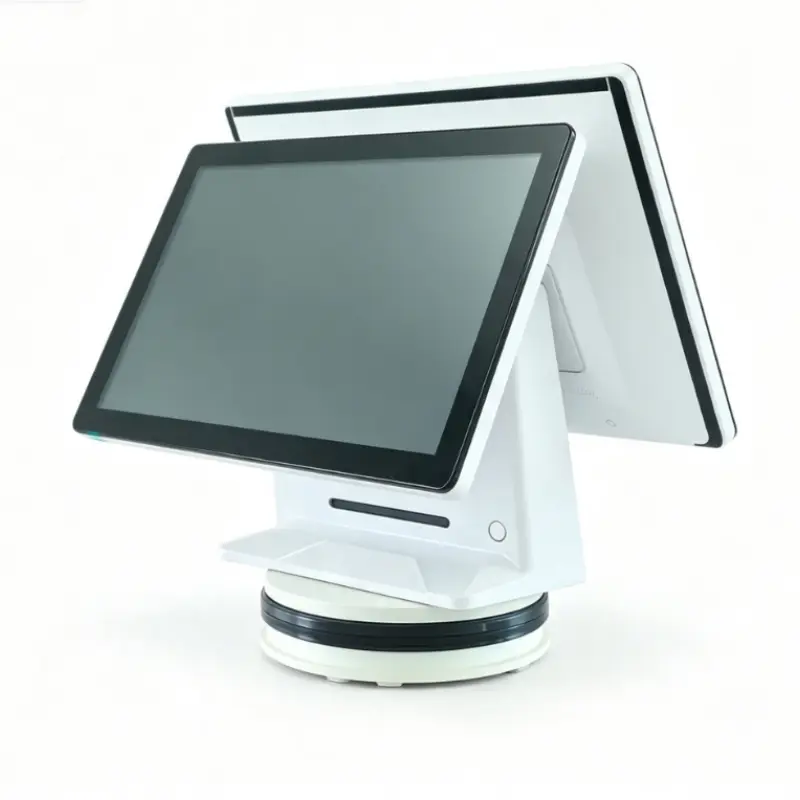
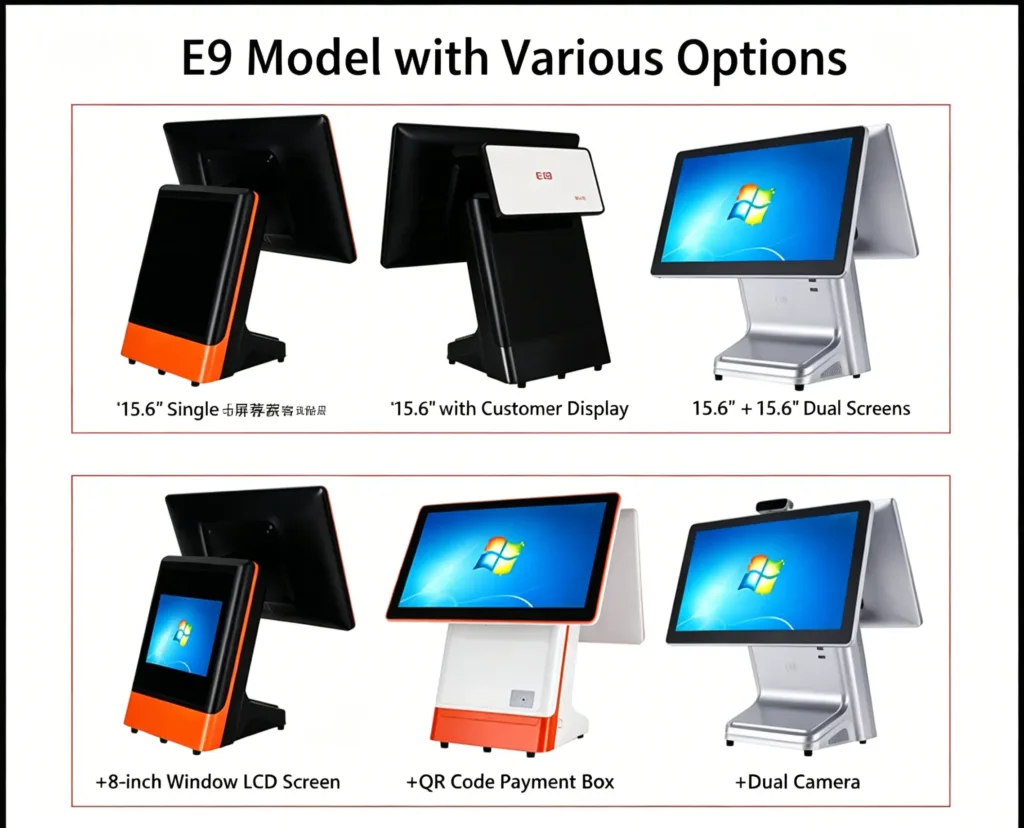
Protect cables, ports and bezels from dust, liquid and physical impact
Many touch faults do not come from the display glass. They come from loose cables or dirty ports. Check USB, HDMI and power cables every two weeks. Make sure connectors stay tight and free of dust. Do not pull cables hard when moving the POS terminal. The frame around the screen can collect food dust and small dirt over time. Use soft compressed air to clear dust gently. Train staff not to tap the screen hard with pens or other sharp items. Even toughened glass can crack under strong hits. For self-service kiosk touch screens, add protective frames if many customers use the device every day.
Calibrate the touch panel and update software drivers on schedule
Slow touch response or wrong touch points are common problems. Regular calibration helps the touch screen work accurately. Follow the official guide to run touch calibration when you notice sensitivity issues. Keep touch drivers, firmware and your POS software updated. New updates fix known bugs and improve touch stability. Restart the POS terminal at least once a day. A daily restart clears temporary memory errors that make the touch panel lag. Do not install extra useless software on POS systems. Too many background programs create overheating and touch delays.
Build a simple maintenance checklist for your store team
Maintenance works best when it becomes a daily habit. Make an easy checklist for shift workers. Daily tasks include light wiping and visual checks. Weekly work covers vent dust cleaning and cable inspection. Monthly work includes full touch calibration and driver checks. Write down small faults immediately. Do not wait until the screen stops working completely. Early problem checks save expensive repair fees and avoid business stops during peak shopping hours.
Choose high-quality POS touch screens to lower long-term maintenance pressure
Maintenance cannot fix poor hardware quality. If you plan new purchases or replacements, pick commercial-grade POS touch monitors. Good models use anti-oil toughened glass and support long 24/7 running. They fit retail, catering and self-checkout kiosk scenes. We supply complete POS terminals and touch screens with multiple sizes, stable touch performance and reliable after-sales support. Contact our team if you need product specs, bulk pricing or OEM custom service for your business.
Final thoughts on extending your POS touch screen lifetime
A POS touch screen is a key part of daily checkout work. Simple cleaning, environment control, cable checks and software care greatly extend its service life. These steps take little time but reduce unexpected downtime. Train your team with these rules to protect your hardware investment. If you want more advice on commercial POS touch screen selection and maintenance support, feel free to send us an inquiry.